
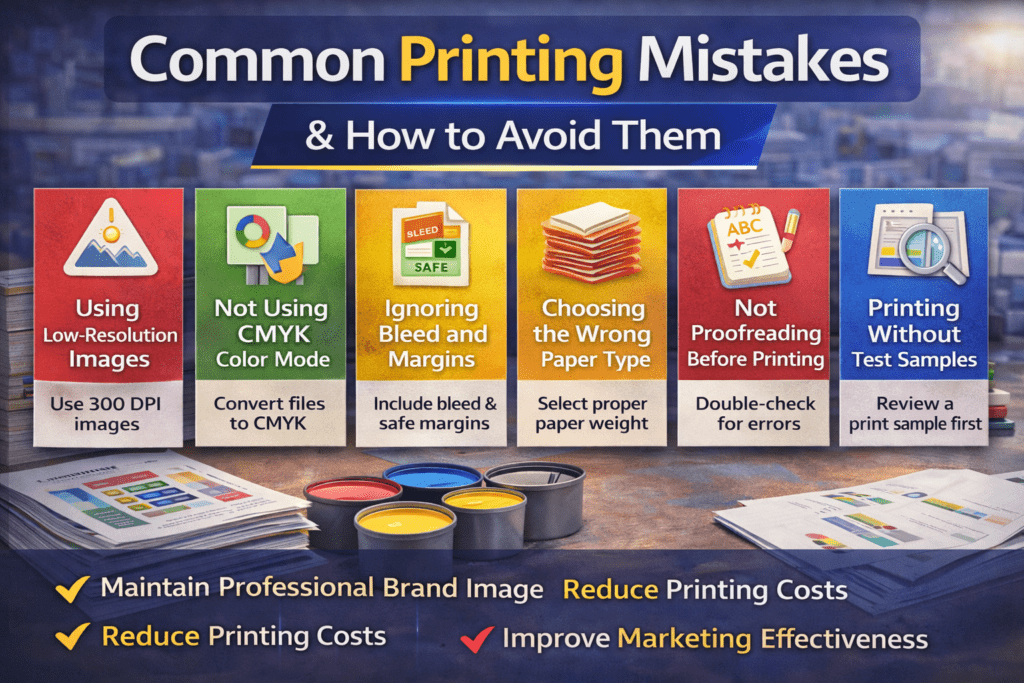
Printing plays an important role in business marketing, branding, and communication. However, many businesses make small printing mistakes that can lead to poor print quality, wasted materials, and increased costs.
Understanding common printing mistakes and how to avoid them helps ensure professional results and saves both time and money.
Why Avoiding Printing Mistakes Is Important
Even a small mistake in print design or file setup can cause problems like:
- Blurry images
- Incorrect colors
- Cut-off text
- Wasted paper
- Reprinting costs
Fixing these issues before printing ensures better results and cost efficiency.
1. Using Low-Resolution Images
One of the most common mistakes in printing is using low-resolution images.
Images downloaded from the internet are often 72 DPI, which is suitable for screens but not for printing.
How to Avoid It
Use 300 DPI resolution images for all printed materials to ensure sharp and clear output.
2. Not Using CMYK Color Mode
Designing files in RGB color mode is another common mistake.
Printers use CMYK (Cyan, Magenta, Yellow, Black) color mode, and RGB colors may appear different when printed.
How to Avoid It
Always convert your design to CMYK before sending it for printing.
3. Ignoring Bleed and Margins
If your design extends to the edge of the paper without proper bleed, parts of the design may get cut during trimming.
How to Avoid It
Add:
- 3 mm bleed area
- Safe margins for text and logos
This ensures nothing important gets cut off.
4. Choosing the Wrong Paper Type
Paper quality significantly affects the final appearance of printed materials.
For example:
- Thin paper may look unprofessional for brochures
- Heavy paper may be unnecessary for flyers
How to Avoid It
Choose paper based on purpose:
- Flyers → 130–170 GSM
- Brochures → 170–250 GSM
- Business cards → 300–350 GSM
5. Not Proofreading Before Printing
Spelling mistakes or incorrect contact details can damage brand credibility.
Once printed in bulk, correcting these mistakes becomes expensive.
How to Avoid It
Always perform:
- Final proofreading
- Design review
- Print sample check
before approving the final print run.
6. Printing Without Test Samples
Many businesses skip test prints to save time.
However, printing a small sample first helps identify color, alignment, or layout issues.
How to Avoid It
Request a sample print or digital proof before bulk printing.
Business Benefits of Avoiding Printing Mistakes
By avoiding common printing errors, businesses can:
- Maintain professional brand image
- Reduce printing costs
- Improve marketing effectiveness
- Save time and materials
- Ensure consistent print quality
Conclusion
Printing mistakes can lead to unnecessary expenses and poor marketing results. By using high-resolution images, correct color modes, proper bleed settings, and careful proofreading, businesses can achieve professional-quality printing without costly errors.
Taking a few extra steps before printing ensures better results and stronger brand presentation.